MLX Training Studio Installer
One-command installer for MLX Training Studio.
A native macOS GUI for fine-tuning LLMs on Apple Silicon, packaged for one-line install.
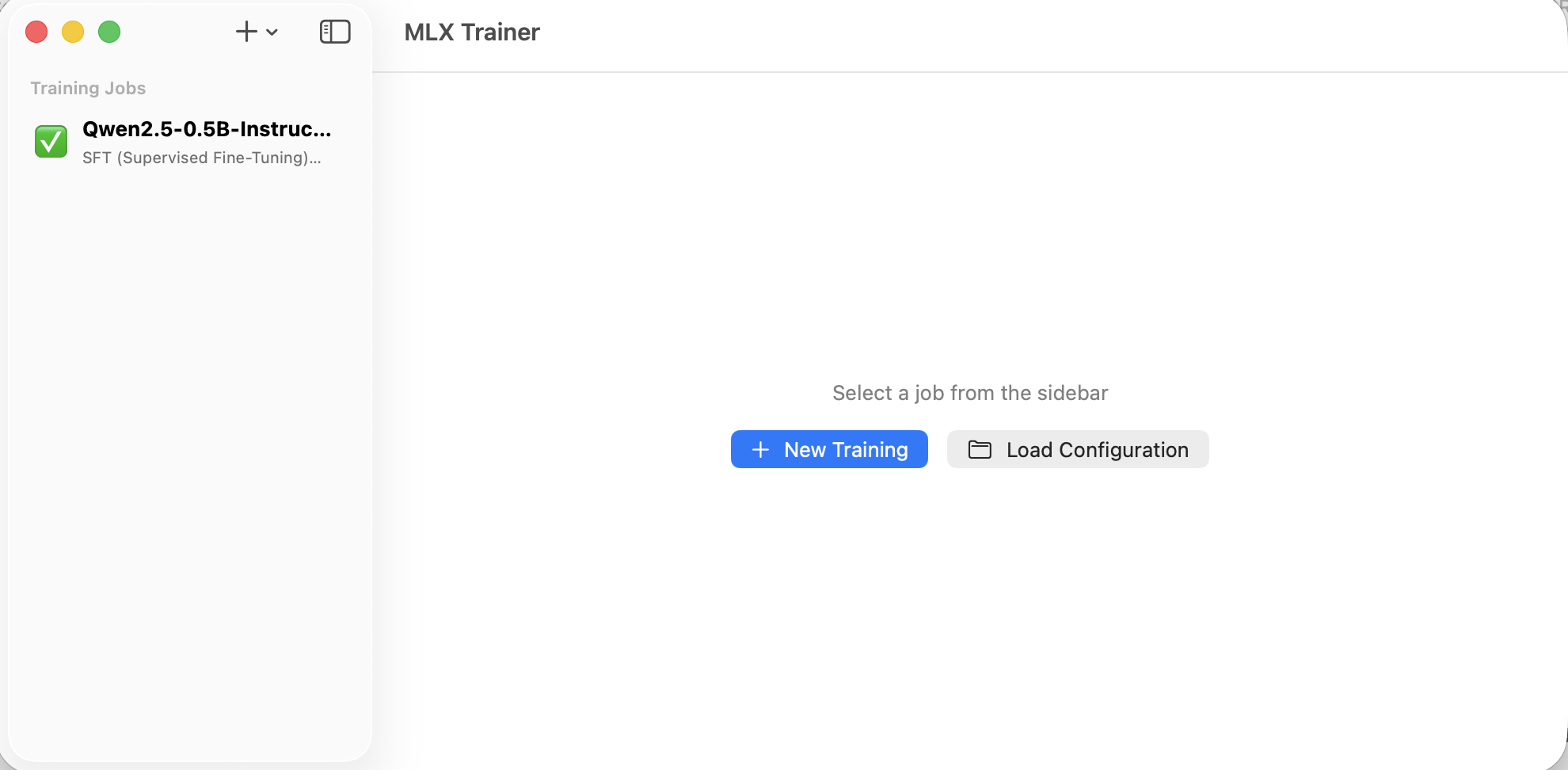
Screenshot from upstream stevenatkin/mlx-lm-gui · Apache-2.0
MLX Training Studio is a native Swift macOS application built by Steven Atkin that puts a polished graphical interface in front of Apple's mlx-lm-lora fine-tuning library. It supports LoRA and QLoRA training for a wide range of open models directly on your Apple Silicon Mac — no cloud, no Docker, no CUDA.
This repository is an installer wrapper, not the application itself. Because the upstream project ships source code only (no signed binaries or App Store listing), this installer automates the clone-build-install cycle: it runs preflight checks, clones the upstream source, builds it with Xcode, and places the resulting .app in /Applications. It also handles updates and uninstalls, and records a manifest so every operation is fully traceable and reversible.
-
Frictionless install
One Homebrew formula. One command to build and place the app. The installer handles everything from cloning the upstream source to the final
opencall. -
Hardware-aware preflight
Before touching your system,
mlx-training-studio doctorverifies macOS version, Apple Silicon, full Xcode, Python 3.12+, git, and available disk space — and tells you exactly how to fix any failure. -
Fully reversible
Every install writes a manifest.
uninstallreads it back and removes exactly what was placed — no guesswork, no orphaned files. Re-runninginstallis always safe.
Quick start
# 1. Add the tap and install the CLI
brew tap jsgermanaai/tap
brew install jsgermanaai/tap/mlx-training-studio

# 2. Run preflight checks
mlx-training-studio doctor

# 3. Build and install the app
mlx-training-studio install
After the build completes (allow 5–10 minutes the first time), launch the app:
Where to go next
- Getting started overview — understand the full journey before running anything.
- Requirements — verify your machine is ready.
- Commands reference — full documentation for every subcommand.
Credits
MLX Training Studio (the application installed by this repo) was created by Steven Atkin and is published at stevenatkin/mlx-lm-gui under the Apache License 2.0.
This installer is an independent, unaffiliated packaging effort by Jay German. All credit for the application itself belongs to Steven Atkin and contributors.